Keystore File
A keystore is an encrypted file that stores your private key and requires a password to unlock. Learn what it is, how it works, and why it matters.
A keystore is an encrypted container for your private key. It locks your private key in a file that can only be opened with a password.
#What Is a Keystore?
A keystore is a file that holds your private key. The private key is the sole credential that controls your digital assets. Storing a private key directly is risky, so a keystore encrypts it.
Analogy: A keystore is like a locked safe. The private key is the valuables inside, and the password is the key. Without the password, no one can access the private key.
#What Is the Relationship Between a Keystore and a Private Key?
The private key is the actual control. A keystore is just an encrypted shell around the private key. You still need the private key to sign transactions, but you don't have to handle it directly in everyday use.
#What Does a Keystore File Look Like?
The common format is a JSON file. It contains what looks like a string of gibberish, but it is actually encrypted private key data. The filename usually starts with UTC, such as UTC--2026-01-01T12-00-00.000Z--your-address.
#How Does a Keystore Work?
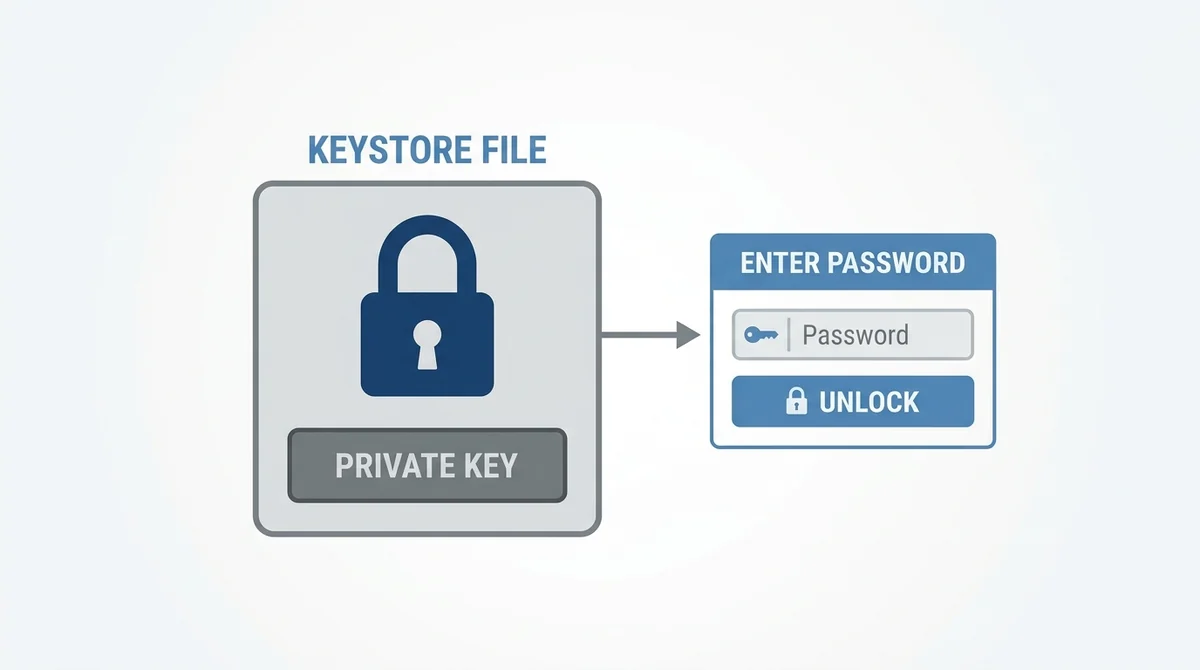
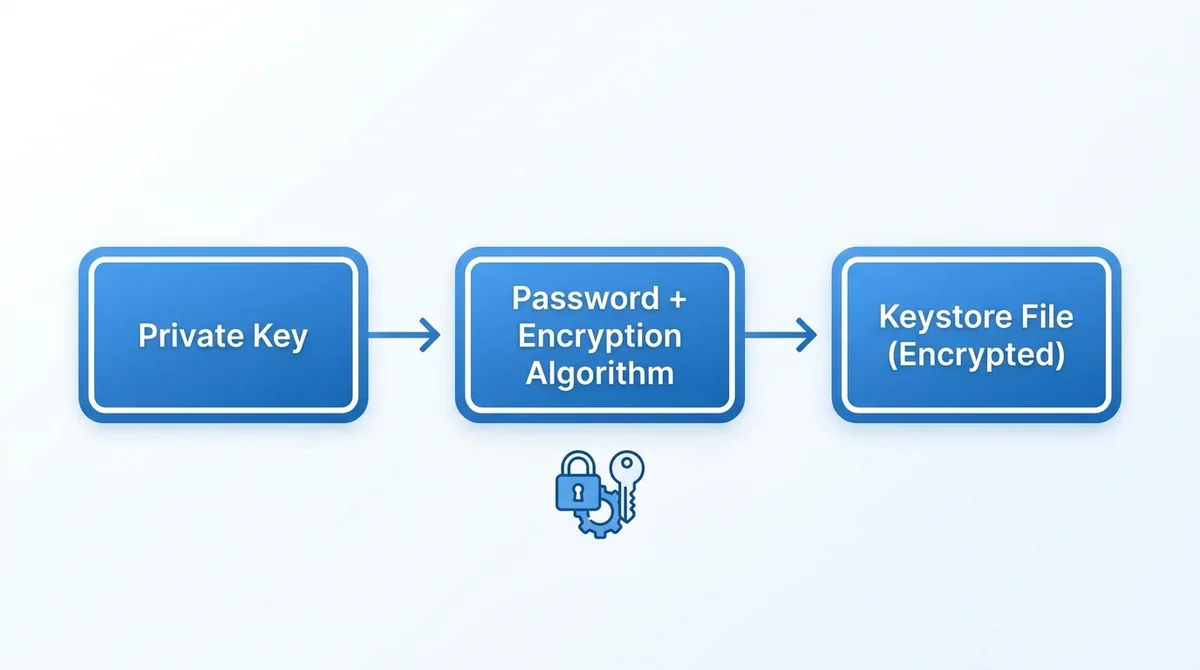
A keystore encrypts the private key with a password. When creating it, you set a password. The software uses this password to generate an encryption key and locks the private key with it.
Analogy: It's like password-protecting a file. Only by entering the same password can you unlock the file and see the private key inside.
#What Is the Encryption Process?
It typically uses a symmetric encryption algorithm such as AES. Your password is processed into an encryption key, which turns the private key into ciphertext.
#Why Is a Password Needed?
The password is a second line of defense. If someone steals the keystore file, they cannot use it without the password. The stronger the password, the safer the file.
#Why Is a Keystore Important?
A keystore prevents the private key from being exposed in plaintext. Once a private key is exposed, assets can be transferred away. A keystore adds a layer of protection to the private key.
#How Does It Protect Your Assets?
Even if your computer is hacked and the file is stolen, without the password an attacker cannot decrypt the private key. This buys you time to move your assets.
#What Are the Benefits Compared to Storing a Private Key Directly?
If you store a private key directly, anyone who sees it can control the assets. A keystore requires a password, adding an extra barrier. Backup and migration are also more convenient.
#What Are the Advantages and Limitations of Using a Keystore?
Advantages:
- Private key stored encrypted, reducing the risk of exposure
- Password protection adds security
- Universal file format makes backup easier
Limitations:
- If you forget the password, you cannot recover the private key
- If the file is corrupted, you may lose assets
- If the password is too weak, it can be cracked
#What Is a Simple Example of Using a Keystore?
- Choose to create a new wallet in the wallet software.
- Set a strong password.
- The software generates a keystore file, usually saved automatically.
- Back up the keystore file to a secure location.
- To restore, import the keystore file and enter the password.
#Common Questions About Keystores
What is the difference between a keystore and a seed phrase? A seed phrase is another backup form of the private key, usually a string of English words. A keystore is an encrypted file. Both can restore a wallet.
What if I forget the password? It usually cannot be recovered. The encryption design of a keystore makes decryption impossible without the password. So be sure to back up the password or seed phrase.
Can a keystore be stored in the cloud? Yes, but there are risks. The cloud can be attacked or leaked. If you upload it, be sure to use a strong password and consider additional encryption.
#FAQ
Q: What should I do if I lose my keystore file? A: If you have other backups (such as a seed phrase or private key), you can use them to restore your wallet. Without any backup, your assets may be unrecoverable.
Q: Can I change my keystore password? A: Yes. Wallet software usually has a feature to change the password, which re-encrypts the keystore.
Q: What is the difference between a keystore and a wallet? A: A wallet is software for managing assets, while a keystore is an encrypted file that stores the private key. A wallet uses a keystore to protect the private key.
Q: Is a keystore secure? A: If you use a strong password and keep the file safe, a keystore is secure. But password leakage or file theft can still lead to asset loss.
FAQ
What should I do if I lose my keystore file?
If you have other backups (such as a seed phrase or private key), you can use them to restore your wallet. Without any backup, your assets may be unrecoverable.
Can I change my keystore password?
Yes. Wallet software usually has a feature to change the password, which re-encrypts the keystore.
What is the difference between a keystore and a wallet?
A wallet is software for managing assets, while a keystore is an encrypted file that stores the private key. A wallet uses a keystore to protect the private key.
Is a keystore secure?
If you use a strong password and keep the file safe, a keystore is secure. But password leakage or file theft can still lead to asset loss.
Want to see the real data for this concept?
After you sign up, you can view live prices, funding rates, and fees for the related assets.
View live prices and fees →